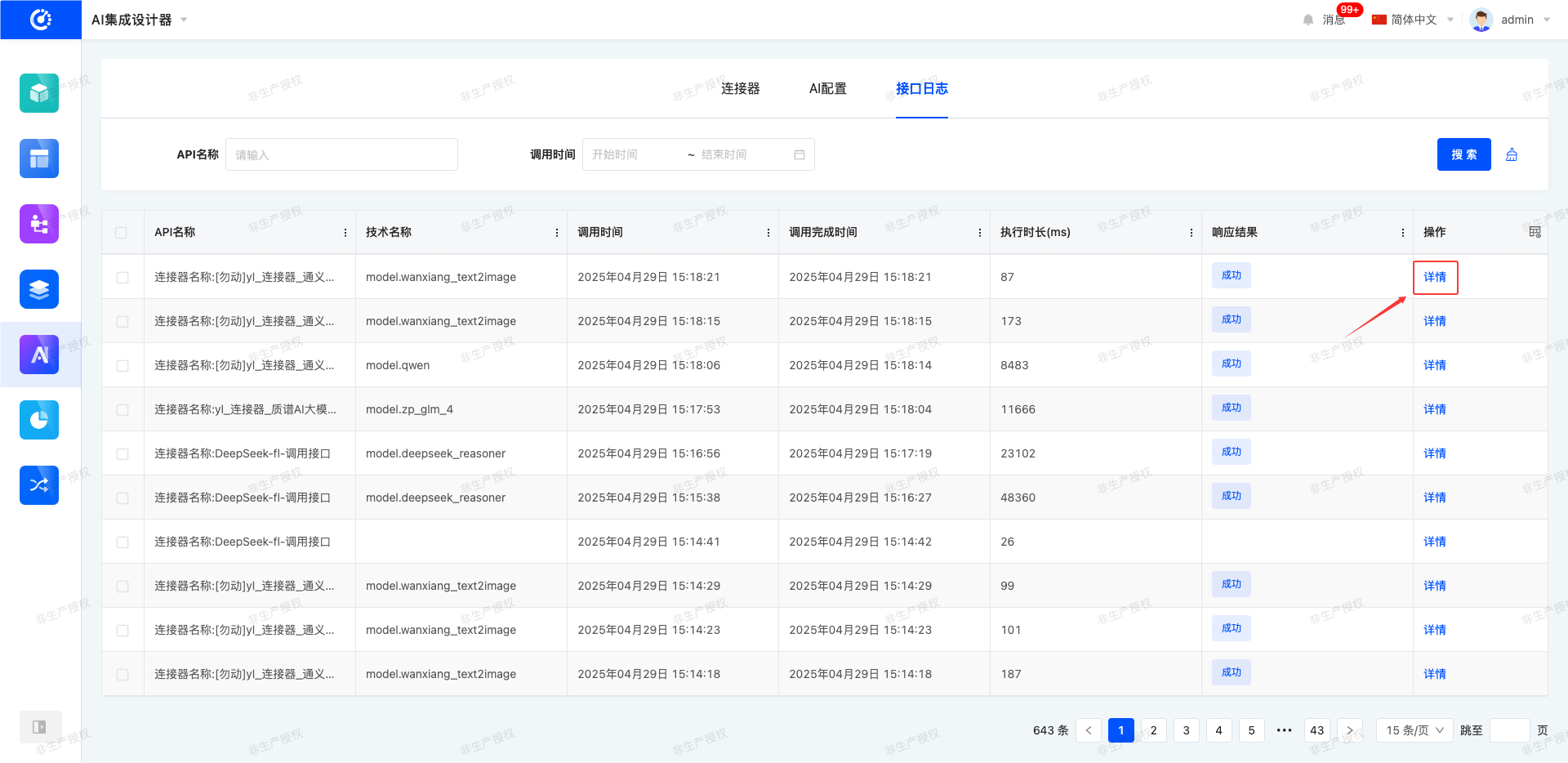
The interface log system is used to comprehensively record the call information of connectors. Users can view the interface call status to determine whether the call is successful. Through in-depth analysis of data such as interface execution results, response times, and parameter information, the call logic can be optimized to ensure the stability and efficiency of AI service operations.
I. Filtering
1. Function Introduction
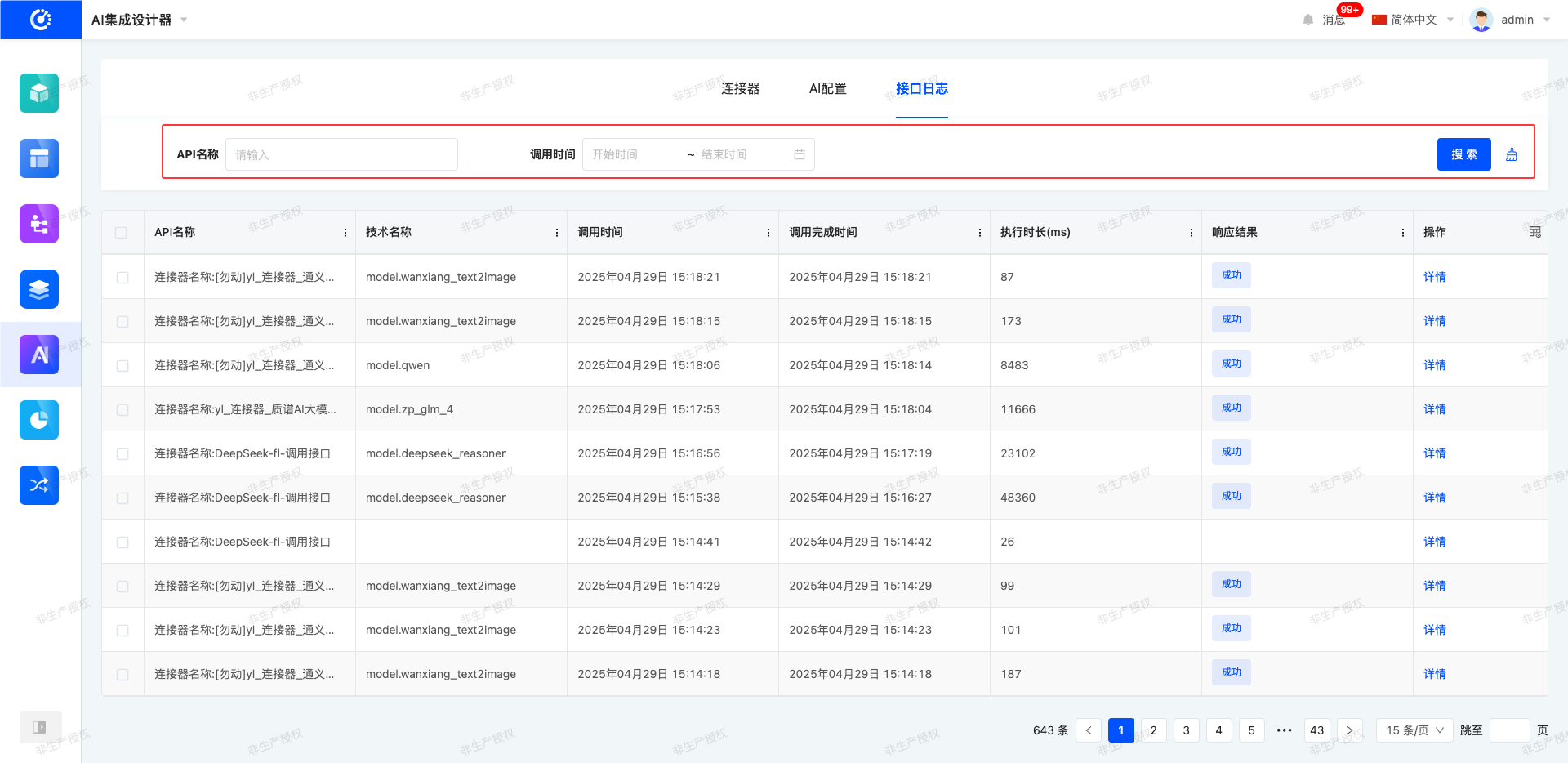
According to actual business requirements, the filtering conditions for interface records can be customized. Under the current filtering conditions, the corresponding interface record list will be displayed, which facilitates viewing different interface records.
2. Operation Method
- Filter: After entering conditions in the filtering area and clicking the "Search" button, the interface records can be filtered.
- Clear All: Click the "Clear" icon to clear all the conditions in the current filtering area with one click.
II. Details
1. Function Introduction
It supports viewing the execution details of interfaces, allowing users to comprehensively understand the overall operation status and parameter information of interfaces.
2. Operation Method
Click the "Details" button, and the interface execution status will be displayed in the pop-up page.