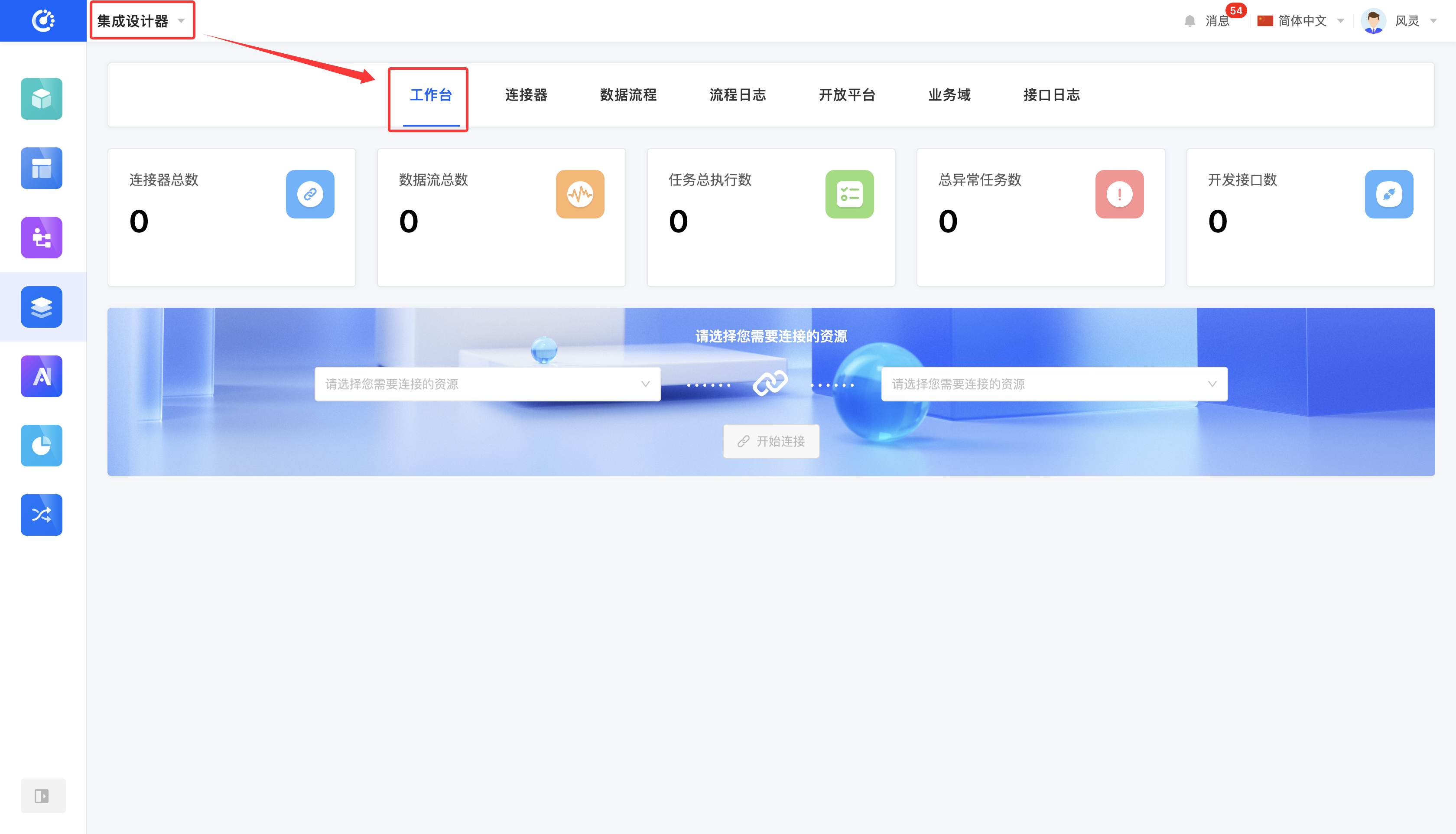
The workbench is used to present integration-related statistical data:
- Total number of connectors: Displays the total number of connectors for current integration resources.
- Total number of data flows: Presents the total number of defined data connection flows.
- Total number of task executions: Counts the total number of process instance executions.
- Total number of abnormal tasks: Displays the total number of tasks that encountered exceptions during execution.
- Number of open APIs: Summarizes and displays the number of open APIs in all states.
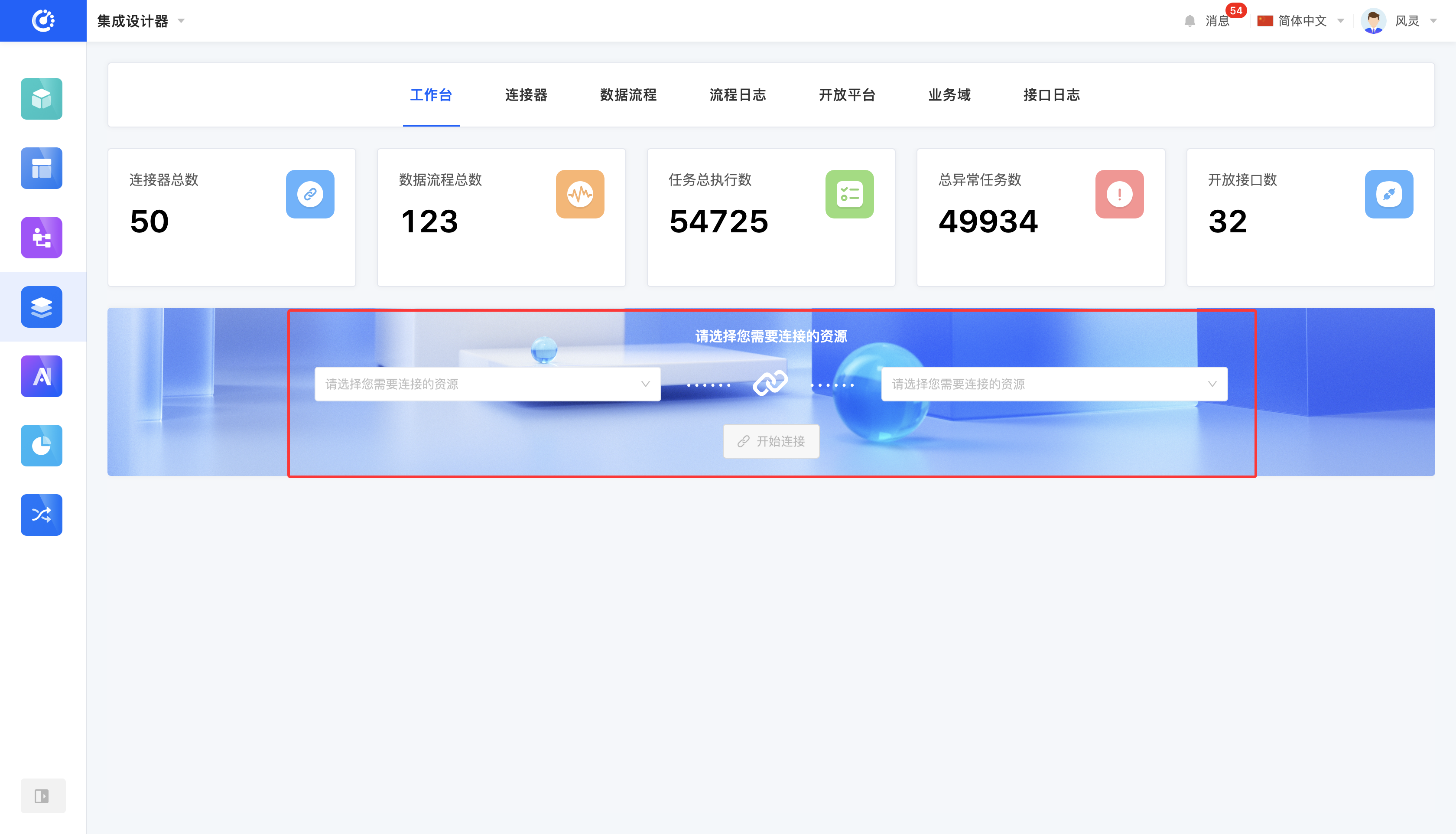
In addition, it provides a quick connection channel, which can quickly filter out the required resources to be connected and design data flows for them, efficiently achieving system integration and data interaction.
I. Quick Connection
1. Function Introduction
By selecting the integration resources to be connected and entering the data flow design page, you can achieve resource integration after completing the design process.
Tip
When you select a resource, you can quickly choose the corresponding data flow in the "Recommended for You" section below to quickly complete the resource connection.
Tip
The resources here cover various applications and databases included in the connectors. If you cannot find the required resource within the current scope, you can go to the connectors for custom settings to meet your needs. (See the connector documentation for details.)
2. Operation Method
Select the desired item in the resource box and click the "Start Connection" button to establish the connection.
II. Appendix: Glossary
| Term | Description |
|---|---|
| Integration | Integration between systems |
| Integration Resource | In actual business scenarios, multiple systems need to be connected. A single party in this context is called an integration resource. |
| Connector | Specific integration resources, including applications and databases. |
| Data Flow | Through process orchestration, the integration process is made visual, improving the efficiency of integration operations. |
| Open | The current platform opens up certain capabilities for external use. |