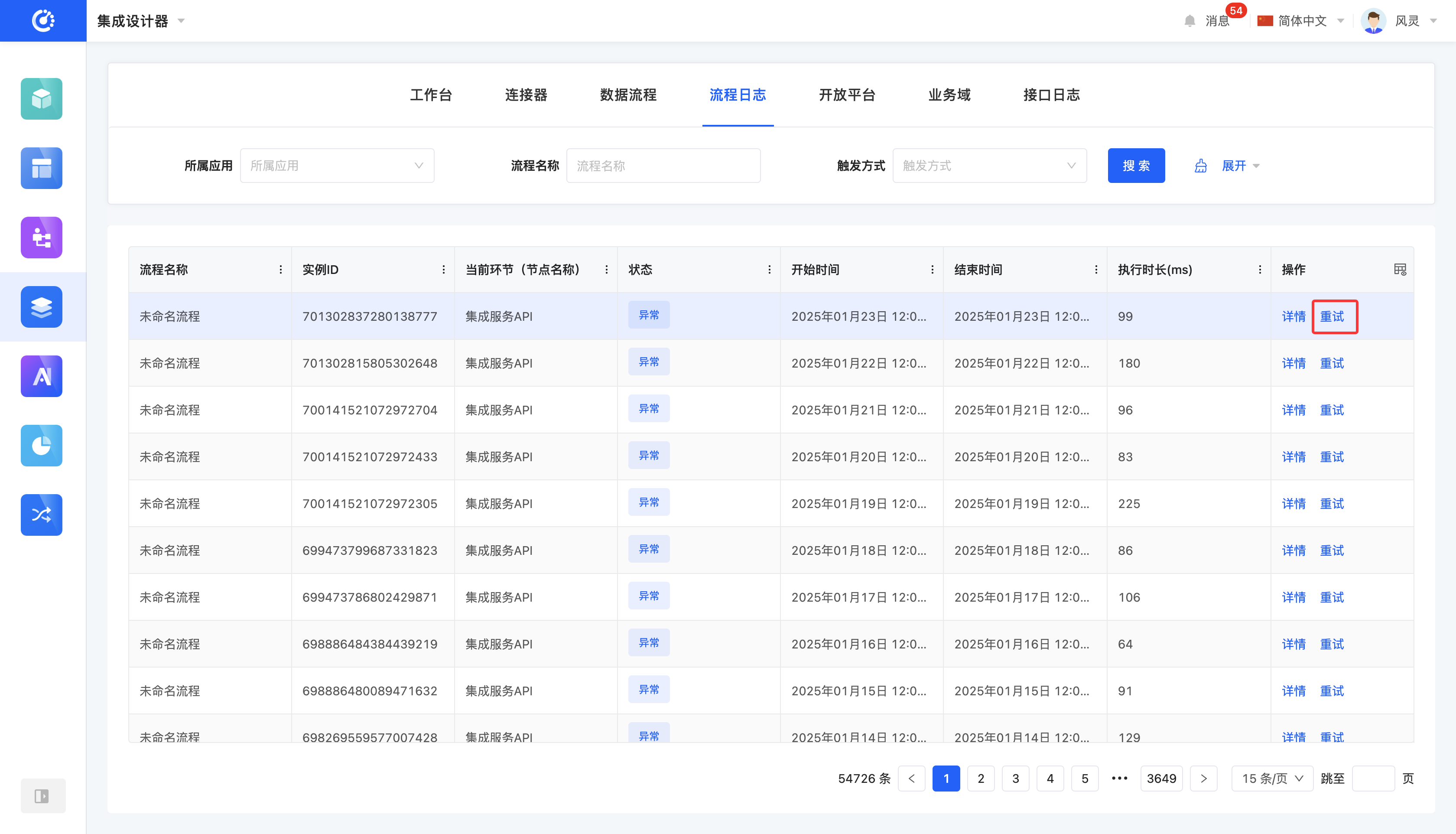
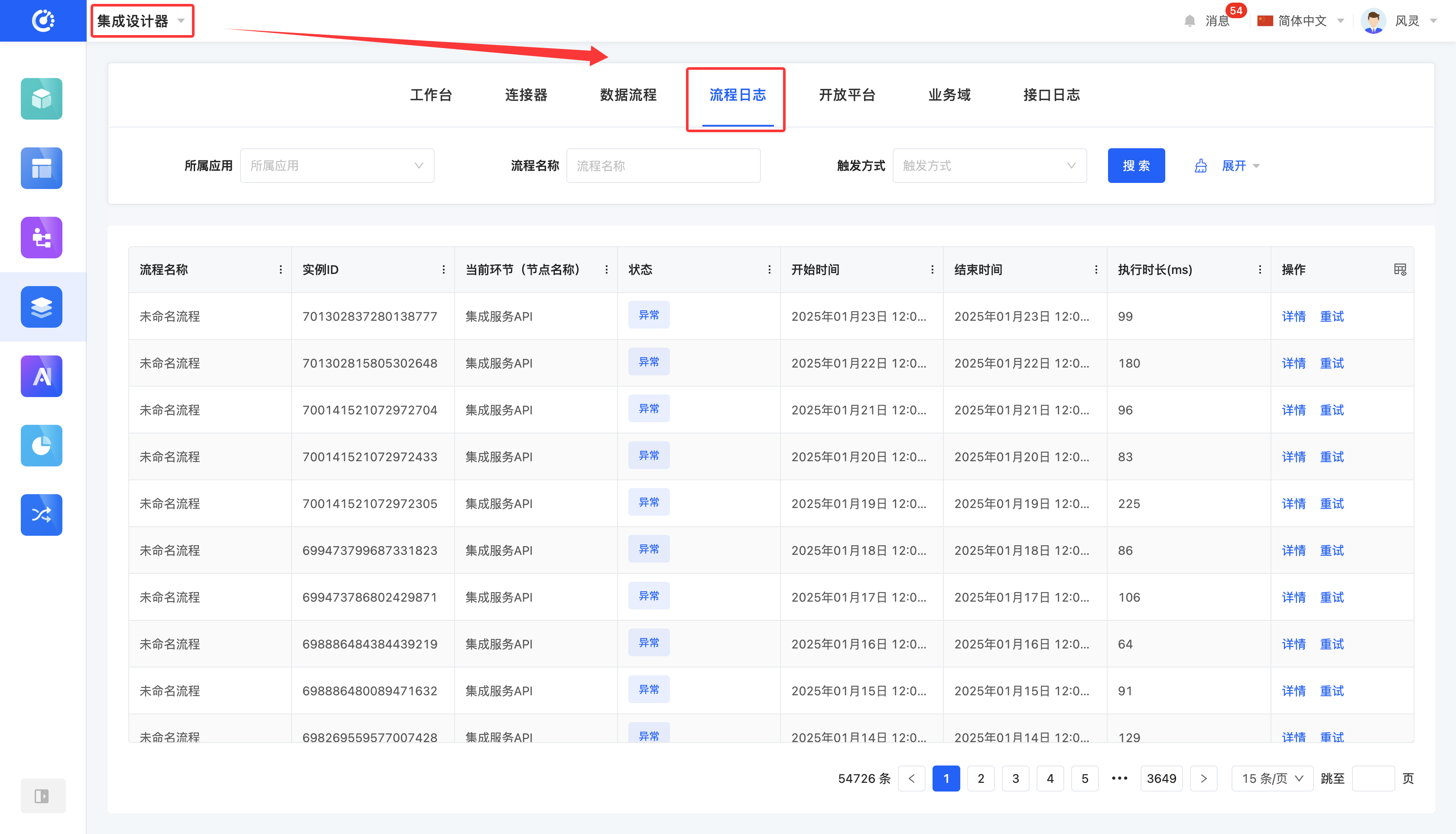
Process logs are used to record the execution details of data processes. Every time a data process is executed, the system saves a corresponding execution record in the process logs.
I. Filtering
1. Function Introduction
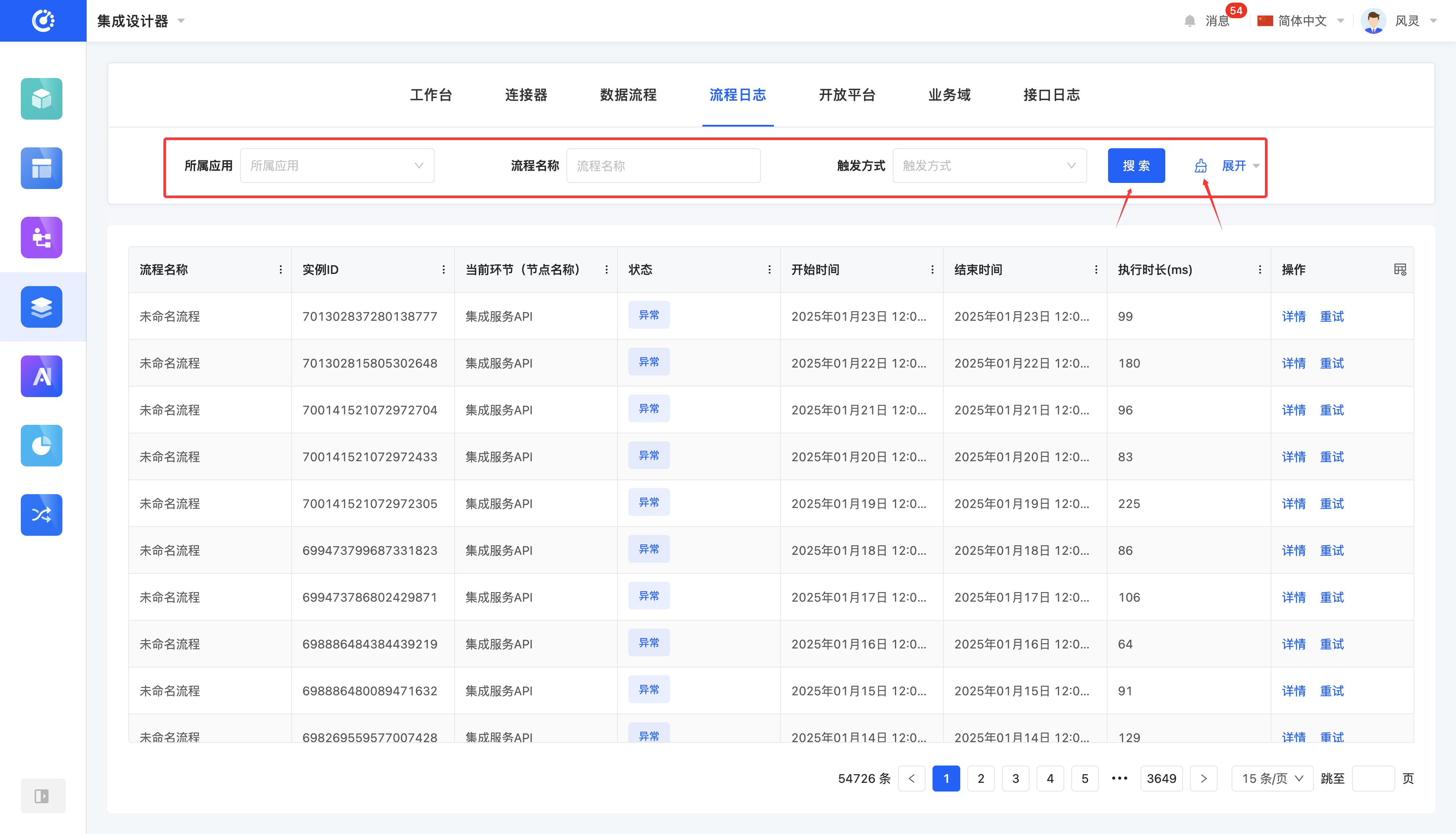
You can customize the filtering conditions for process records according to actual business requirements. Under the current filtering conditions, the corresponding list of process records will be displayed, making it convenient to view different process records.
2. Operation Method
- Filtering: Enter the conditions in the filtering area and click "Search" to filter the process records.
- One-click Clear: Click the "Clear" icon to clear all the conditions in the current filtering area at once.
II. Viewing Details
1. Function Introduction
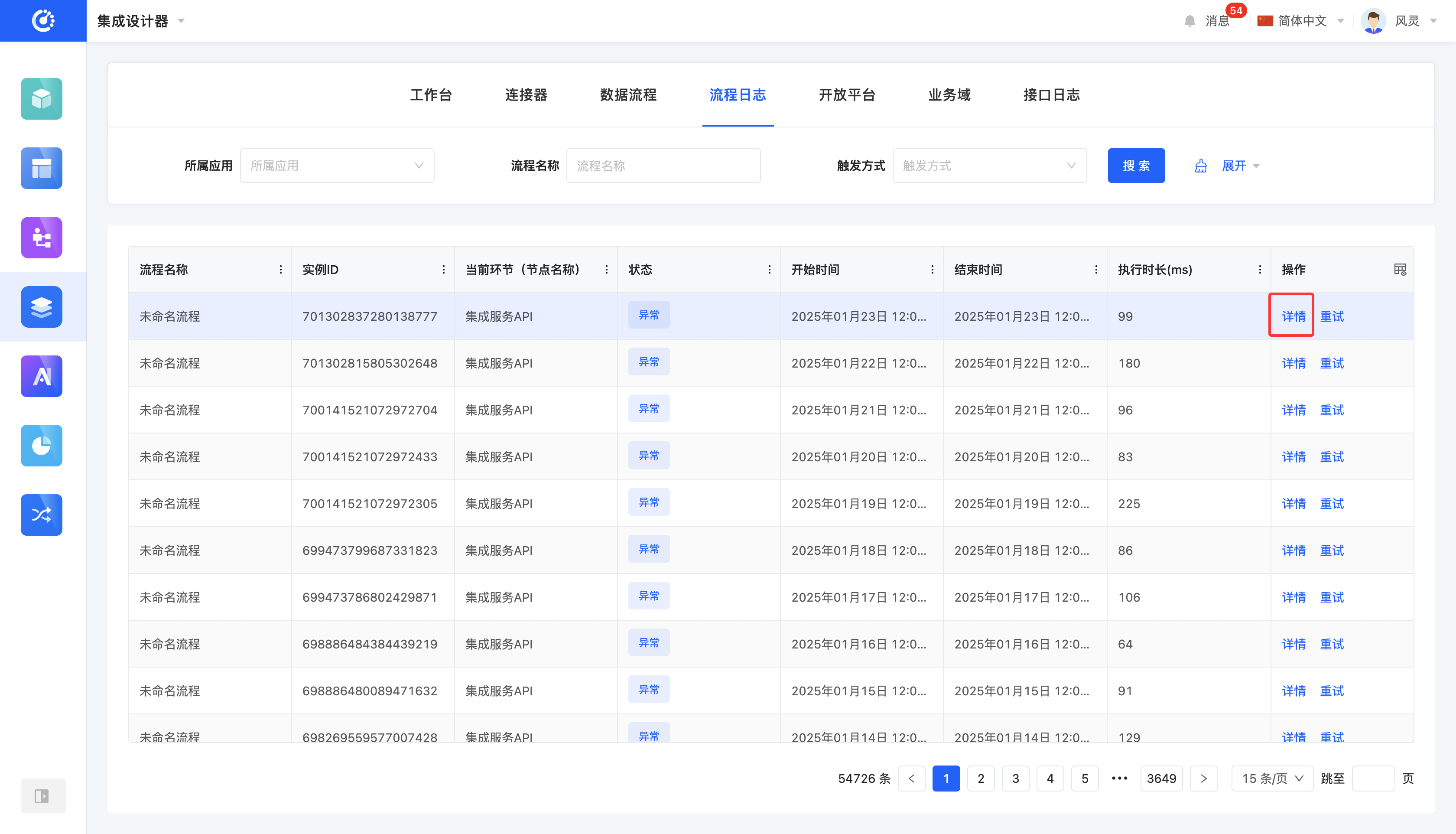
The system supports viewing the execution details of data processes. You can not only check the basic information and parameter logs of each node but also comprehensively understand the overall operation status and detailed information of the data process.
2. Operation Method
- Click "Details" to jump to the process design interface.
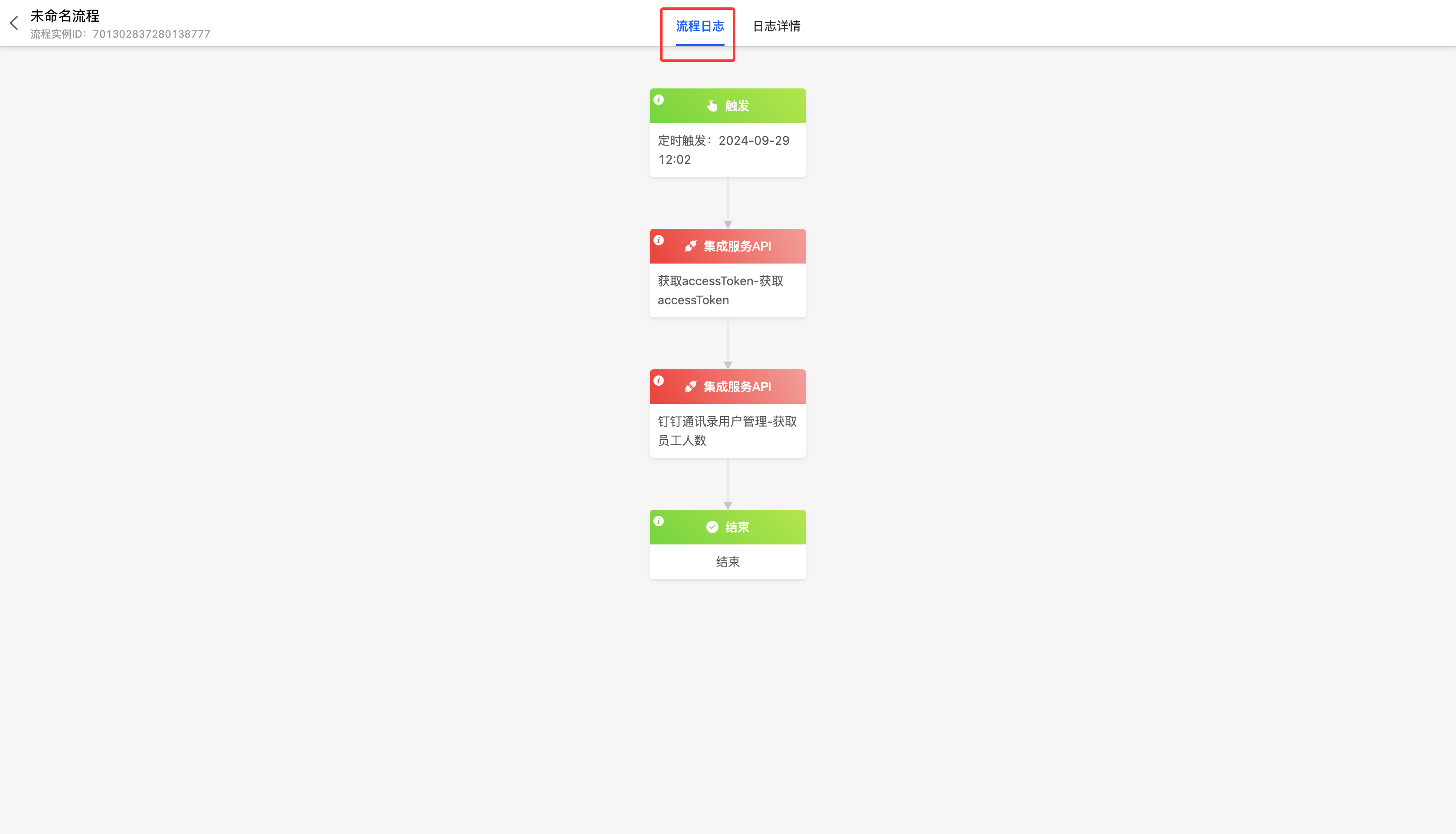
- In the process logs, click a node to view the execution status of a single node.
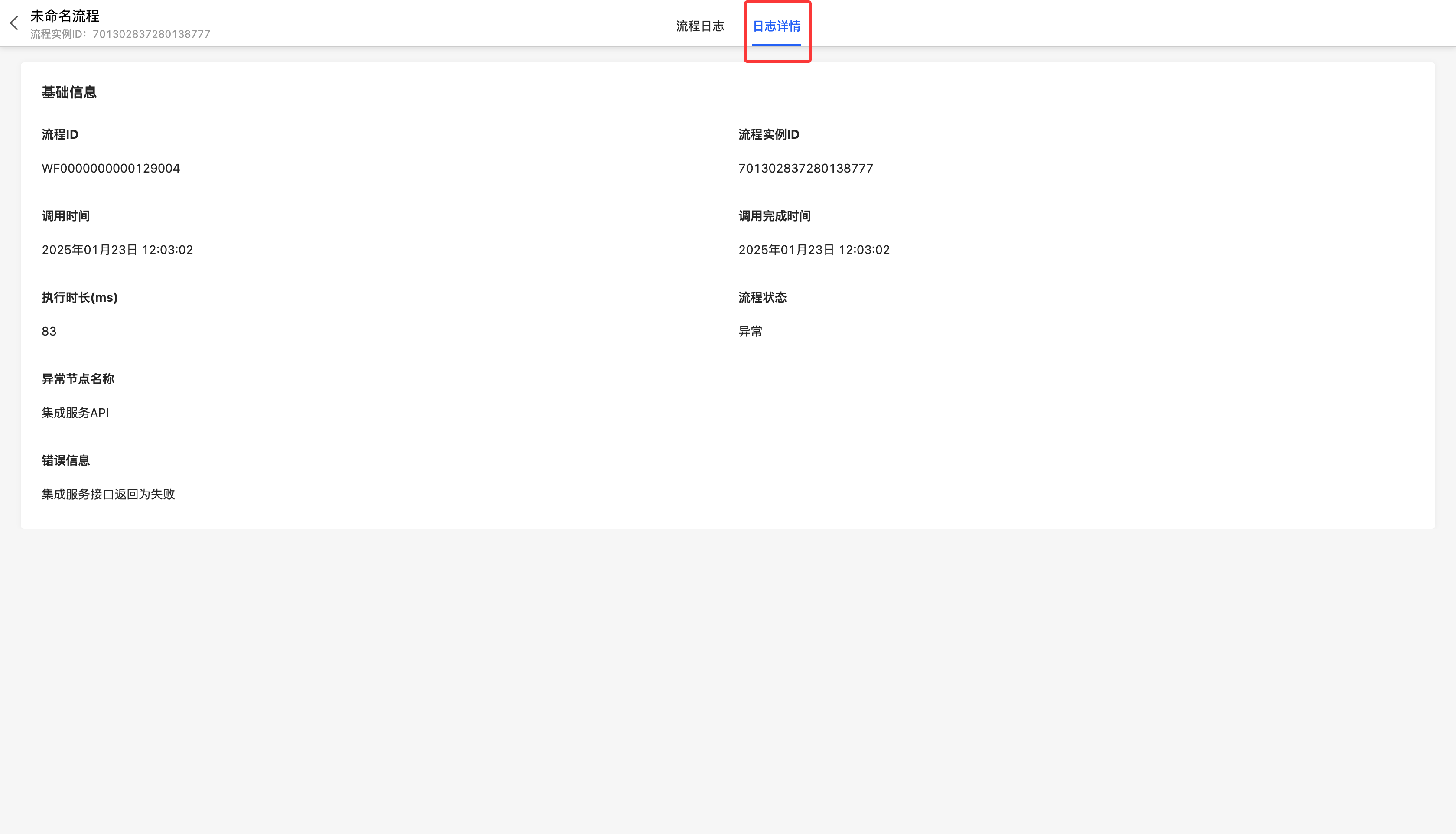
- In the log details, you can view the overall operation status of the data process.
III. Retry
1. Function Introduction
For data processes with abnormal status, you can re - execute the data process.
2. Operation Method
Click "Retry" to re - execute the data process.