I. Companies
1. Function Introduction
Supports managing the company information of corporate partners, including company name, company nature, etc.
2. Operation Methods
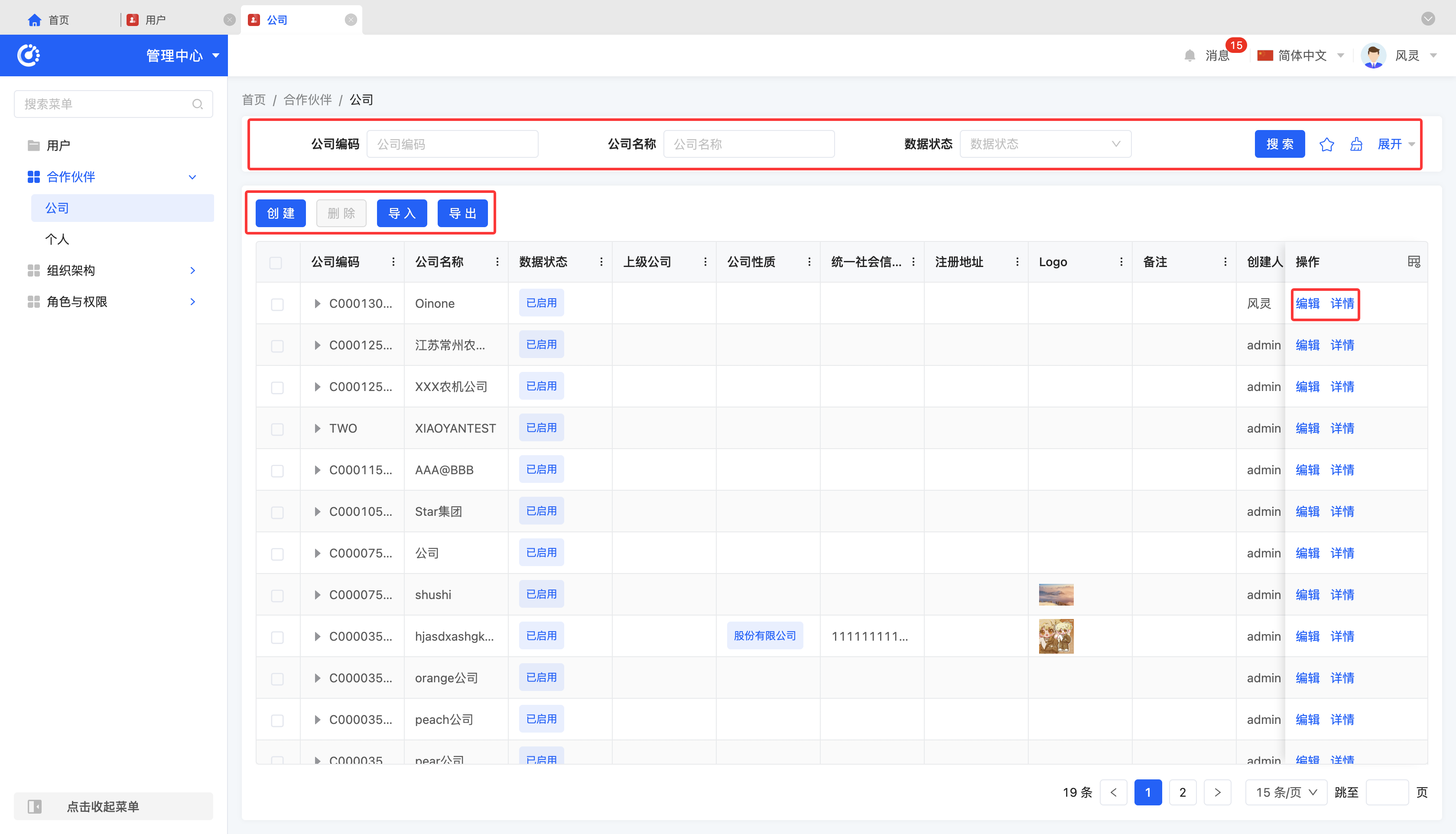
- Filter: According to the actual scenario requirements, enter or select the corresponding filter conditions to filter the companies.
- Add: Click "Create", enter the required configuration information and save it to successfully create a new company.
- Delete: Select a company and click "Delete" to remove the company.
- Import: Supports importing company information using a file. You can download the import template. After filling in the information completely, upload the file to complete the import.
- Export: Supports exporting companies. You can choose to use the preset export template or customize the export fields according to actual needs.
- Edit: Click "Edit" to update or modify the relevant information of the company.
- Details: Click "Details" to view the detailed information of the selected company, including basic information and company information, etc.
II. Individuals
1. Function Introduction
Supports managing the personal information of partners, including name, code, etc.
2. Operation Methods
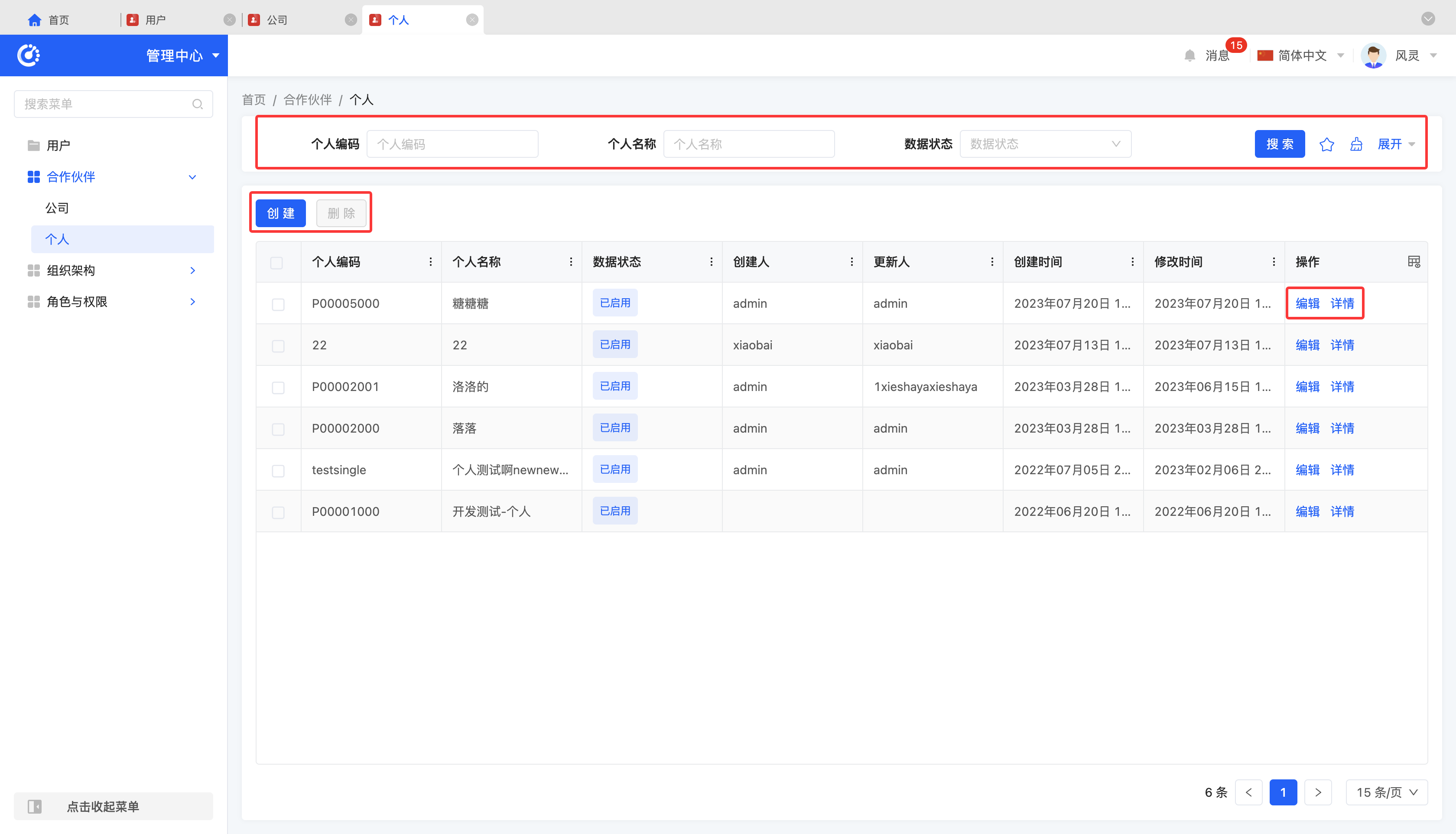
- Filter: According to the actual scenario requirements, enter or select the corresponding filter conditions to filter the individuals.
- Add: Click "Create", enter the required configuration information and save it to successfully create a new individual.
- Delete: Select an individual and click "Delete" to remove the individual.
- Edit: Click "Edit" to update or modify the relevant information of the individual.
- Details: Click "Details" to view the detailed information of the selected individual.