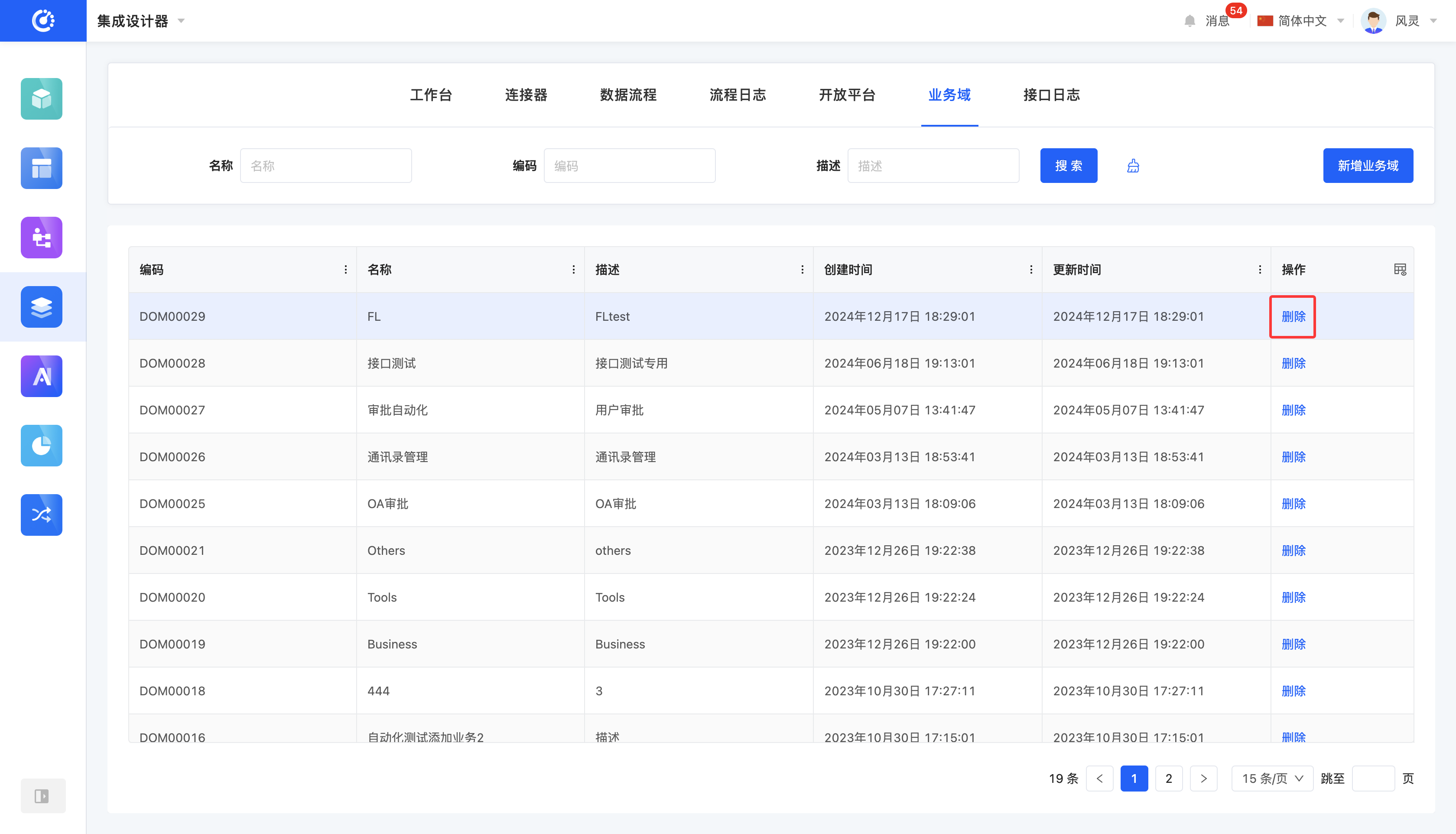
Integrated applications and open APIs can be systematically categorized and managed according to business domains to improve the efficiency and accuracy of management.
I. Filtering
1. Function Introduction
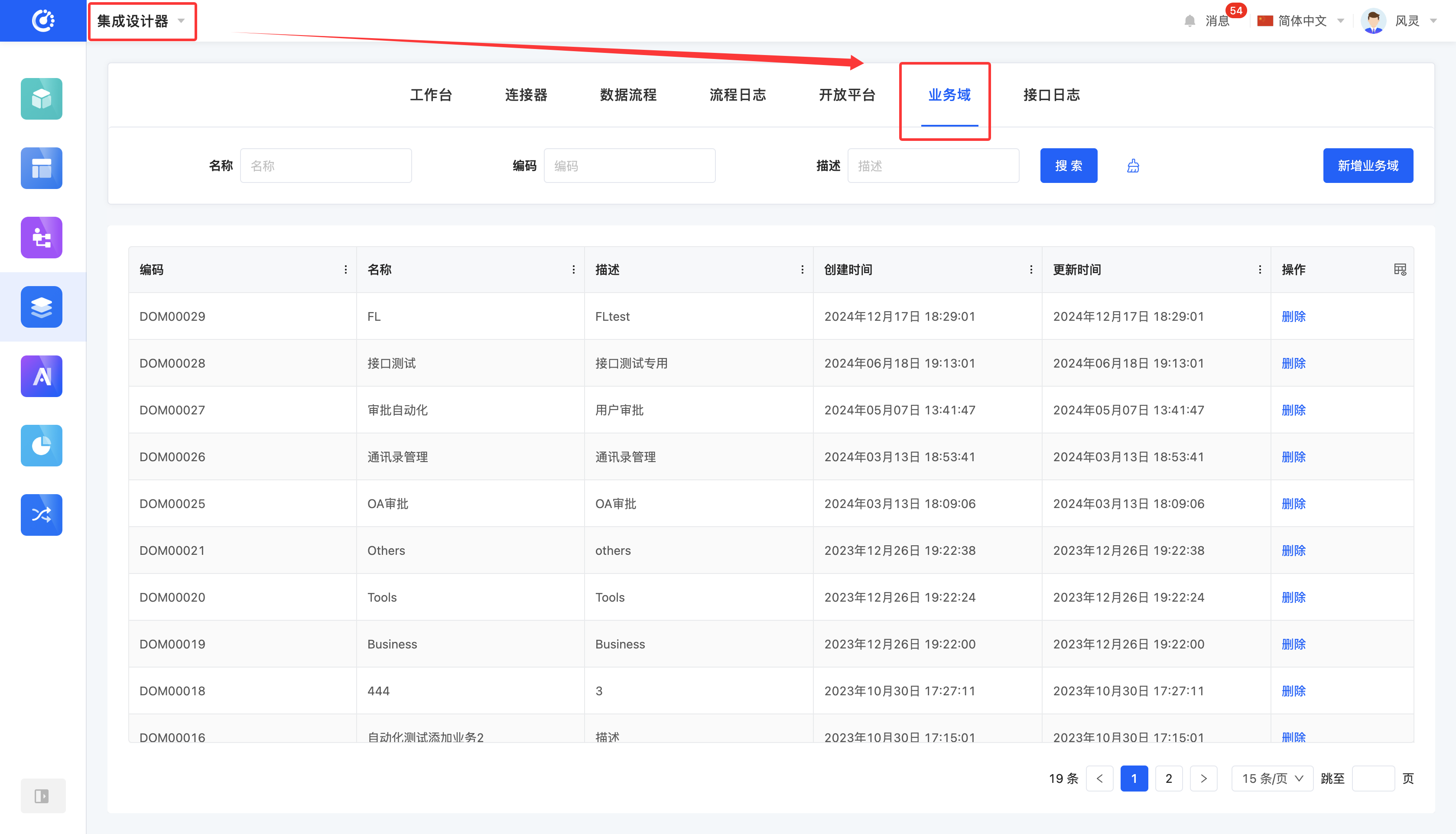
Customized business domain filtering conditions can be set according to actual business requirements. Under the current filtering conditions, the corresponding business domain list will be displayed, facilitating the viewing and editing of different business domains.
2. Operation Method
- Filter: Enter the conditions in the filtering area and click the "Search" button to filter the chart templates.
- Clear All: Click the "Clear" icon to clear all the conditions in the current filtering area with one click.
II. Add a Business Domain
1. Function Introduction
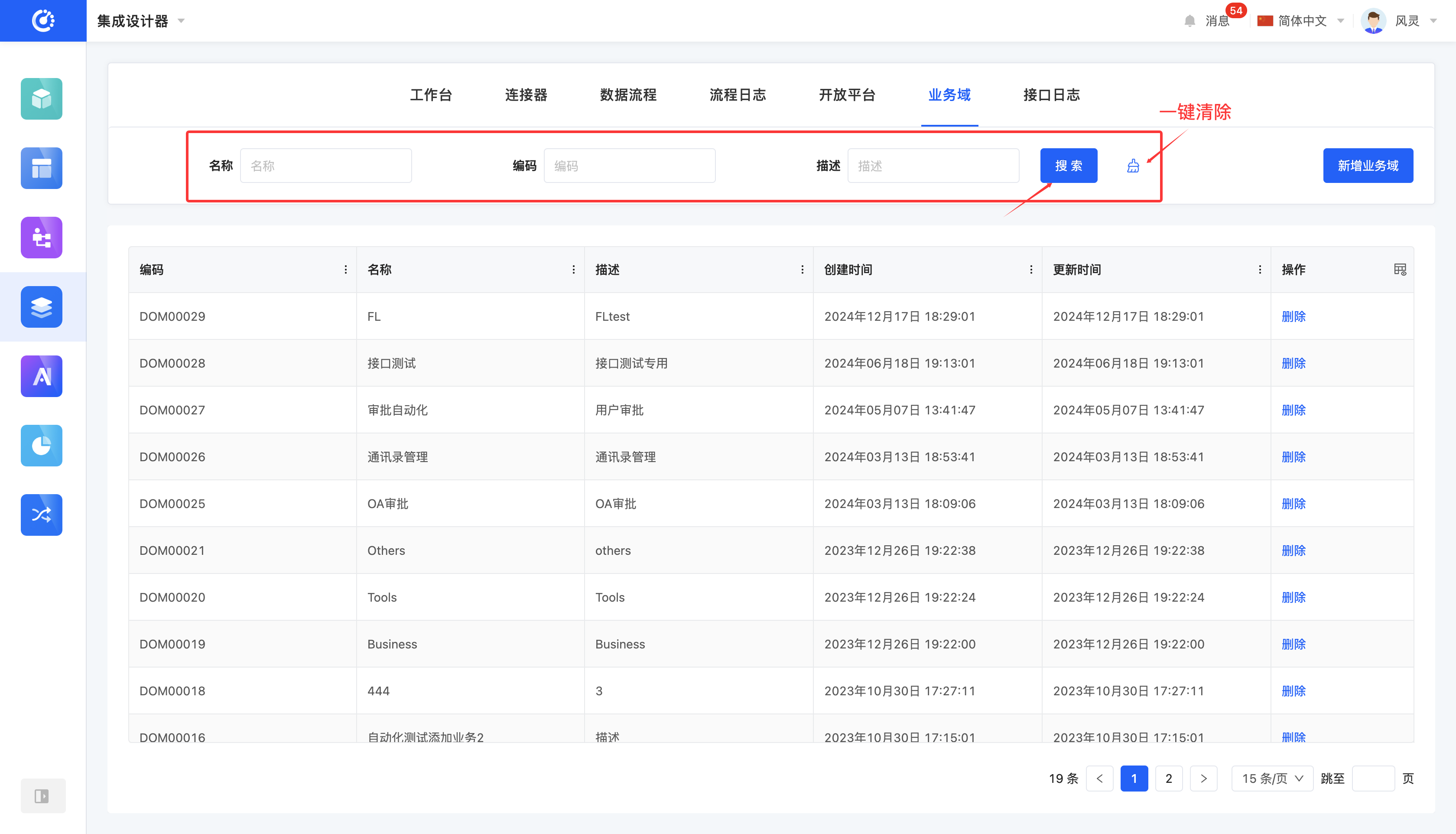
Custom business domains are supported. You can set the name and description for a business domain.
2. Operation Method
Click the "Add Business Domain" button, fill in the information on the pop-up page, and then click the "Save" button to complete the addition.
III. Delete a Business Domain
1. Function Introduction
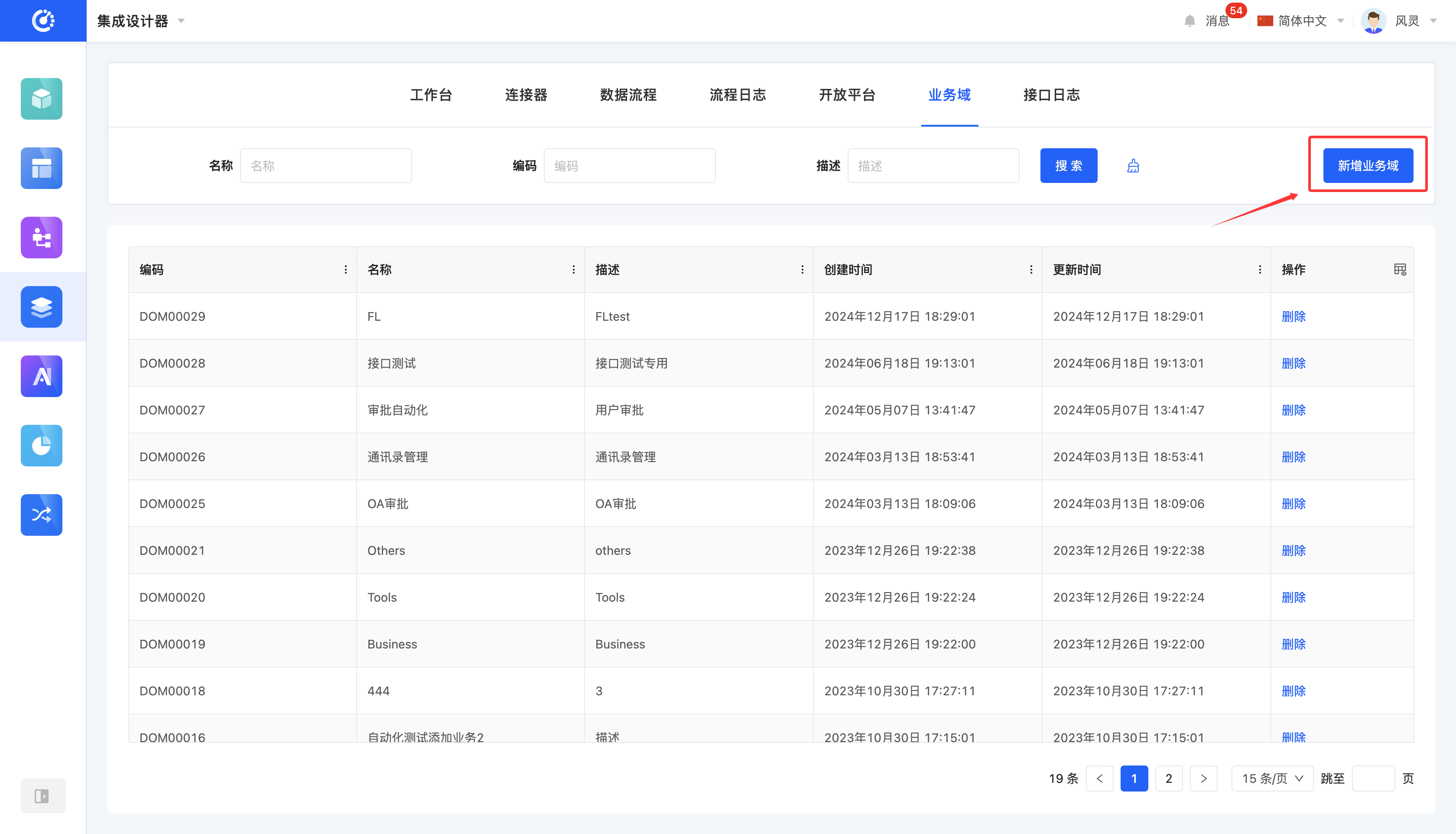
When a business domain is no longer in use, you can choose to delete it.
Note
Before deleting a business domain, make sure it is not being referenced. Otherwise, the deletion operation cannot be performed.
Warning
Once a business domain is deleted, it cannot be recovered. Please operate with caution!
2. Operation Method
Click the "Delete" button and confirm the deletion to complete the operation.